Home printed ornaments on the tree, cookies in your own shapes and a present in a box you made yourself: a 3D printer can do all of it. What usually goes wrong is the timing. A printer prints one thing at a time, a failed print has to be redone, and in December everyone wants to make just one more thing. This guide shows how to count back from the holidays, which designs are quick and how to avoid still printing on Christmas Eve.
The dates to plan around
- Christmas: 25 and 26 December. You usually want decorations up by the weekend around mid-December.
- St Nicholas (Netherlands and Belgium): 5 and 6 December.
- New Year's Eve: 31 December, handy for a candy dish or a lantern on the table.
For everything you want to give or hang up, allow at least an extra week for failed prints, an empty spool or an evening when it just does not happen.
Step 1: make a list and estimate print time
Print time depends on your printer, speed and settings. Your slicer calculates it exactly, so load each design once and note the time it shows. As a rule of thumb:
| Type of design | Example | Print time (indication) |
|---|---|---|
| Flat and small | ornaments, bookmarks, tags | short: several at once on one bed |
| Thin and open | cookie cutters, vase mode dishes | short to medium |
| Box or dish with walls | gift box, candy dish | medium |
| Taller object with detail | lantern with roof | longer: plan it first |
Start with the longest design. If it fails, you still have time to redo it. The small items fit in anywhere after that.
Step 2: plan back from the date
A simple schedule for Christmas, starting in early December:
- Week 1 of December: a test print of each design in a cheap colour. Check that the sizes are right (does the lid fit, does the LED light fit).
- Week 2: the large pieces in the real colour: lanterns and gift boxes.
- Week 3: decorations and small gifts, printed in batches.
- The last few days: only finishing, wrapping and hanging. No more printing.
For St Nicholas, move everything three weeks earlier: start in mid-November.
Step 3: keep filament in stock
Filament is popular in the holiday months and delivery can take longer than usual. Order well in advance and allow a reserve for failed prints.
Festive choices:
- Silk filament gives a shiny surface, lovely for ornaments and dishes.
- Glitter filament looks festive on the tree.
- Translucent or light filament lets the glow of an LED lantern shine through.
For anything that stands in a warm room or in sunlight by a window, use PETG rather than PLA. See our guide PLA vs PETG.
Step 4: two colours without a multi-colour printer
Many Christmas prints only really sparkle in two colours. You can do that with an ordinary printer too:
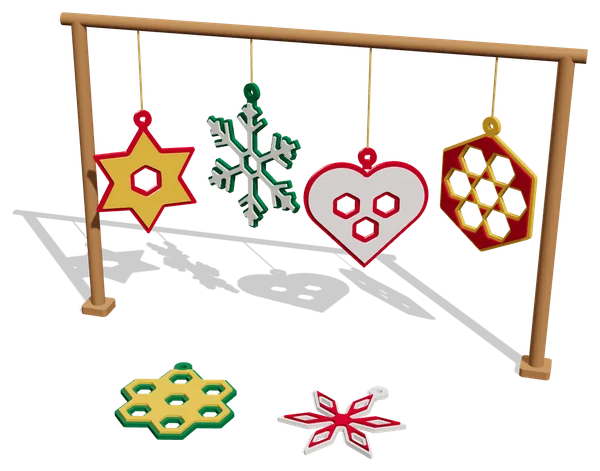
- Colour change at a height. Add a pause or filament change at a certain layer in your slicer. The printer stops, you swap the filament and it carries on. The Geometric Ornament Set has a raised top layer: a change at 2.0 mm gives a border in a second colour.
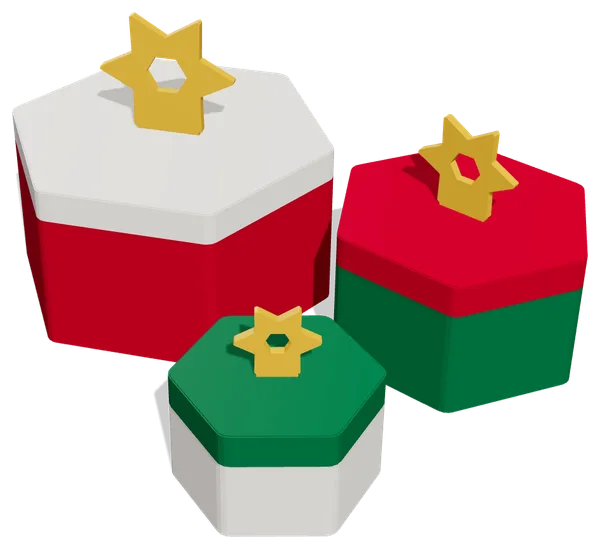
- Parts in different colours. Print the lid of a gift box in a different colour from the box, for example.
- A stripe halfway. Change colour halfway up a box or dish.
A colour change needs a few minutes of attention. Plan those prints for a time when you are nearby.
Safety: two things to watch
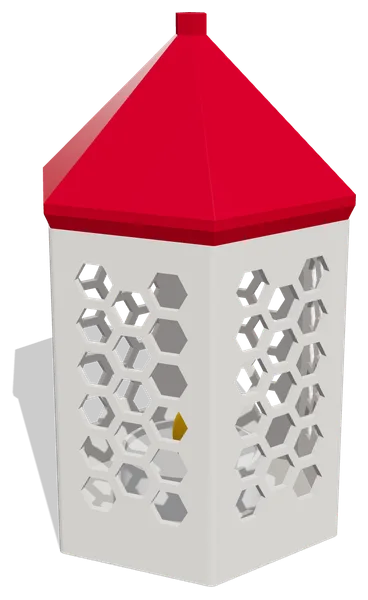
Lanterns with LED only. Plastic can melt and catch fire. A printed lantern is therefore for LED tea lights only, never for a real tea light or candle. The LED Tea Light Lantern is made for this, with a ring in the base and a hole for the switch.
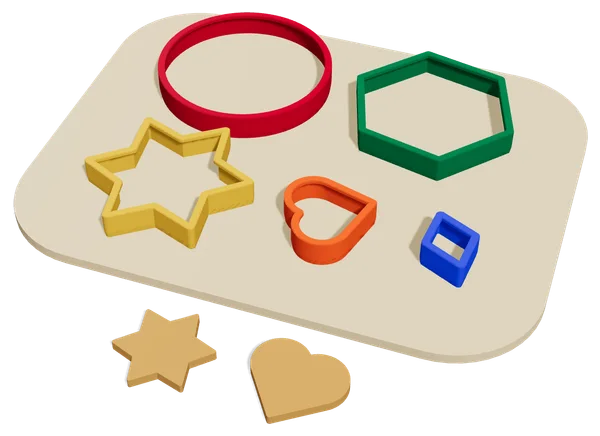
Cookie cutters and sweets. A 3D print has fine layer lines where dough and crumbs collect, and most prints are not certified for food contact. Only use cookie cutters briefly on dough, wash them by hand in lukewarm water straight away and let them dry. Put sweets in a candy dish in a bag or keep them wrapped.
Giving a gift when time runs out
Can't print everything yourself any more? A smaller gift still works at the last minute: a set of ornaments or a few cookie cutters is often done in one evening. You can also print a gift box and put something else inside.
Ideas from the shop
All designs below are original LayerKit designs that print without supports and are digitally checked for printability:
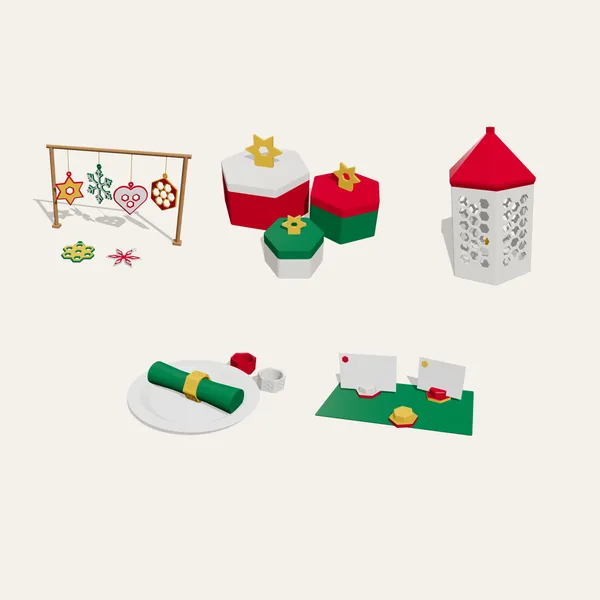
- Geometric Ornament Set: six flat ornaments, two-colour border with one change.
- Hex Gift Box: in 50, 70 and 90 mm, with a star as the bow.
- LED Tea Light Lantern: honeycomb windows and a pointed roof.
- Nesting Geometric Cookie Cutters: five shapes for Christmas cookies.
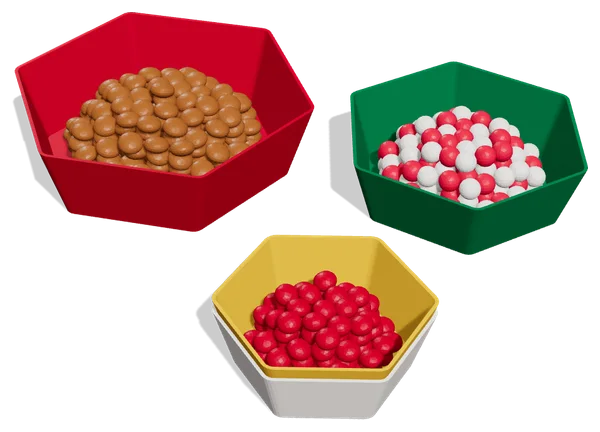
- Stackable Hex Candy Dish: three sizes, also as a vase mode version.
- The Holiday Set bundles the ornaments, gift box and lantern for less than buying them separately.
Want stronger, cleaner prints? Read printing without supports or browse all guides.