Support-free
3MF + STL
Desk1 part
Power Strip Mount
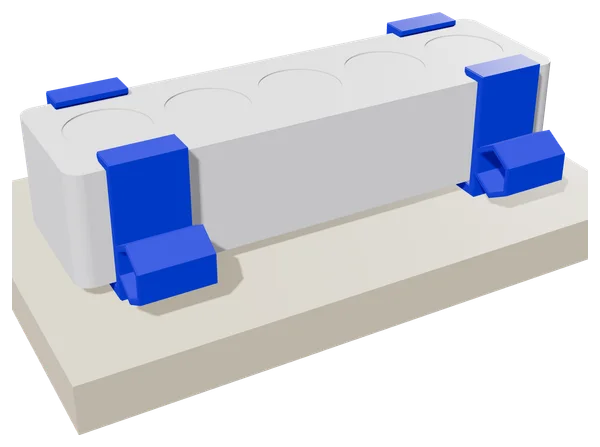
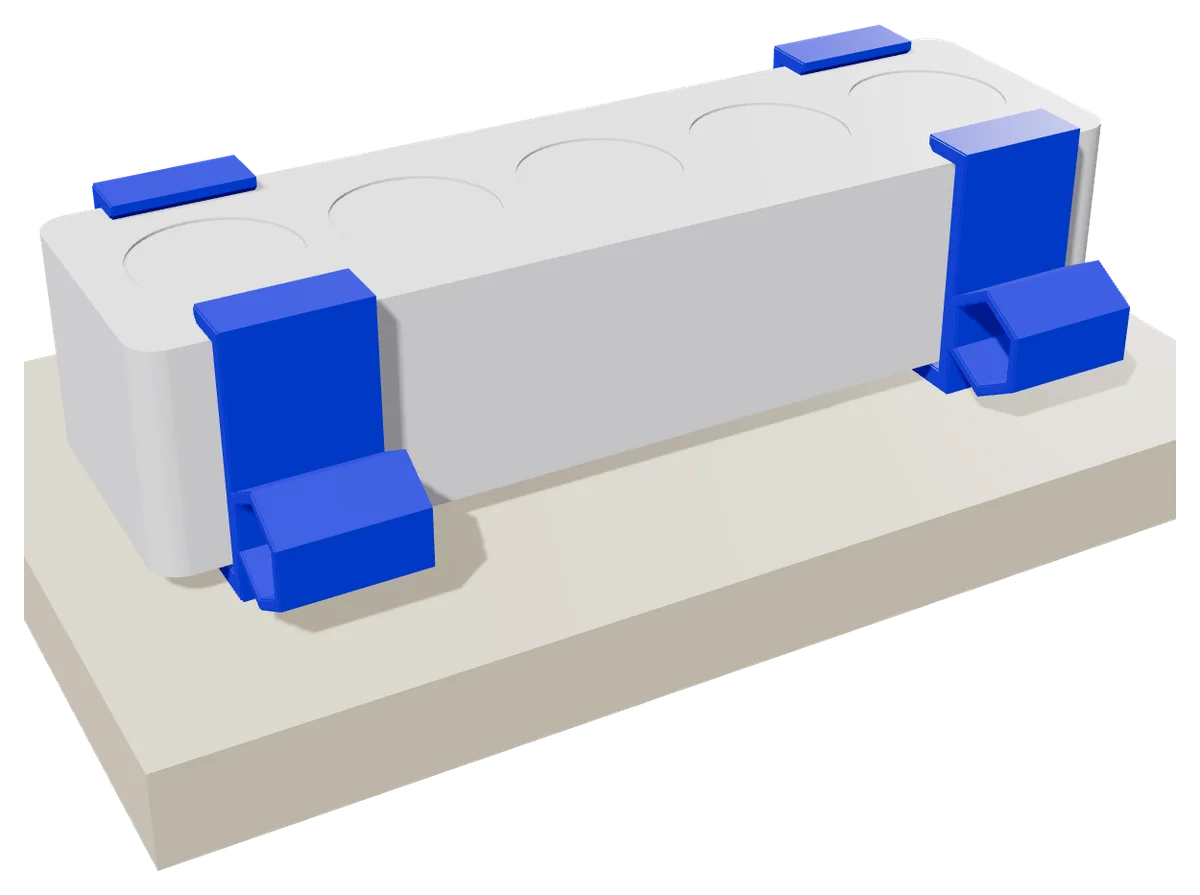
Two U-clamps to hang a power strip under your desk, keeping plugs and cables off the floor. Sized for a 55 x 41 mm power strip by default; width and height are adjustable. With a hexagonal cable guide on the side. Each clamp is fixed with two 4 mm screws (not included). Prints without supports.
- Size
- 81.4 × 49 × 26 mm
- Layer
- 0.2 mm
- Material
- PETG or PLA
€1.99incl. VAT
- 3MF
- STL
- Digitally checked for printability
- Prints without supports
- Download right after payment
- 3MF + STL in one ZIP
Digital product: STL and 3MF files, not a physical item. Pay with iDEAL, Bancontact, credit card or Apple Pay.
Colours in the photo
About this design
The Power Strip Mount gets your power strip off the floor. Screw two U-clamps under the desktop and slide the power strip in from the side. On the outside of each clamp a hexagonal tube guides the power strip cable or a separate charging cable.
- Sized for a 55 x 41 mm power strip by default, width and height adjustable
- Clamp 81 x 49 mm, 26 mm long
- 8 mm lips under the power strip
- Cable tube with a 15 mm inside size
- Two countersunk holes per clamp for 4 mm screws, 29 mm apart
- Prints without supports, digitally checked for printability
Print tips: print the clamp twice on its side, as supplied, so the layers run around the bend of the U. 0.2 mm layers, 4 walls, 30% infill, PETG or PLA. Measure your power strip first. Use screws shorter than your desktop is thick; they are not included.
You get one STL file and one 3MF.
Parts and dimensions
Dimensions w × d × h, each part checked separately.
-
power-strip-clamp.stl
- Dimensions (w × d × h)
- 81.4 × 49 × 26 mm
- File
- 46 kB
You get all files together in one ZIP.
- power-strip-clamp.stl46 kB
- power-strip-mount.3mf11 kB
130 layers of 0.2 mm (power strip clamp, 26 mm tall)
Print settings
- Layer height
- 0.2 mm
- Walls
- 4
- Infill
- 30%
- Supports
- Not needed
- Material
- PETG or PLA
Designer's tip
Print the clamp twice, on its side as supplied: the layers then run around the bend of the U, which makes it strongest. Measure your power strip first and adjust width and height if it is not 55 x 41 mm. Screw the clamps under the desk 20 to 40 mm from the ends of the power strip, using 4 mm countersunk screws (not included) that are shorter than your desktop is thick.
Frequently asked questions
Will my power strip fit?
By default it fits a power strip 55 mm wide and 41 mm tall. If yours is different, change STRIP_W and STRIP_H in the model and print again.
How do I mount the clamps?
Screw each clamp under the desk with two 4 mm countersunk screws, 20 to 40 mm from the ends of the power strip. Then slide the power strip in from the side.
What is the hexagonal tube for?
To route cables neatly along the power strip, for example the power cord or a charging cable up to your desk.
License at a glance
You may
- Print for yourself, your family and as a gift
- Sell printed copies in small quantities
You may not
- Resell or share the files
- Upload the files to other platforms
Read the full license For digital content, the right of withdrawal ends once you agree to immediate delivery at checkout. Right of withdrawal